FLORIDA – In the construction world, doing the work is only half the battle. The other half is ensuring you get paid accurately and on time. For many independent contractors and small firms in Florida, the paperwork side of the business can feel like a secondary chore—but it’s actually your most important financial tool.
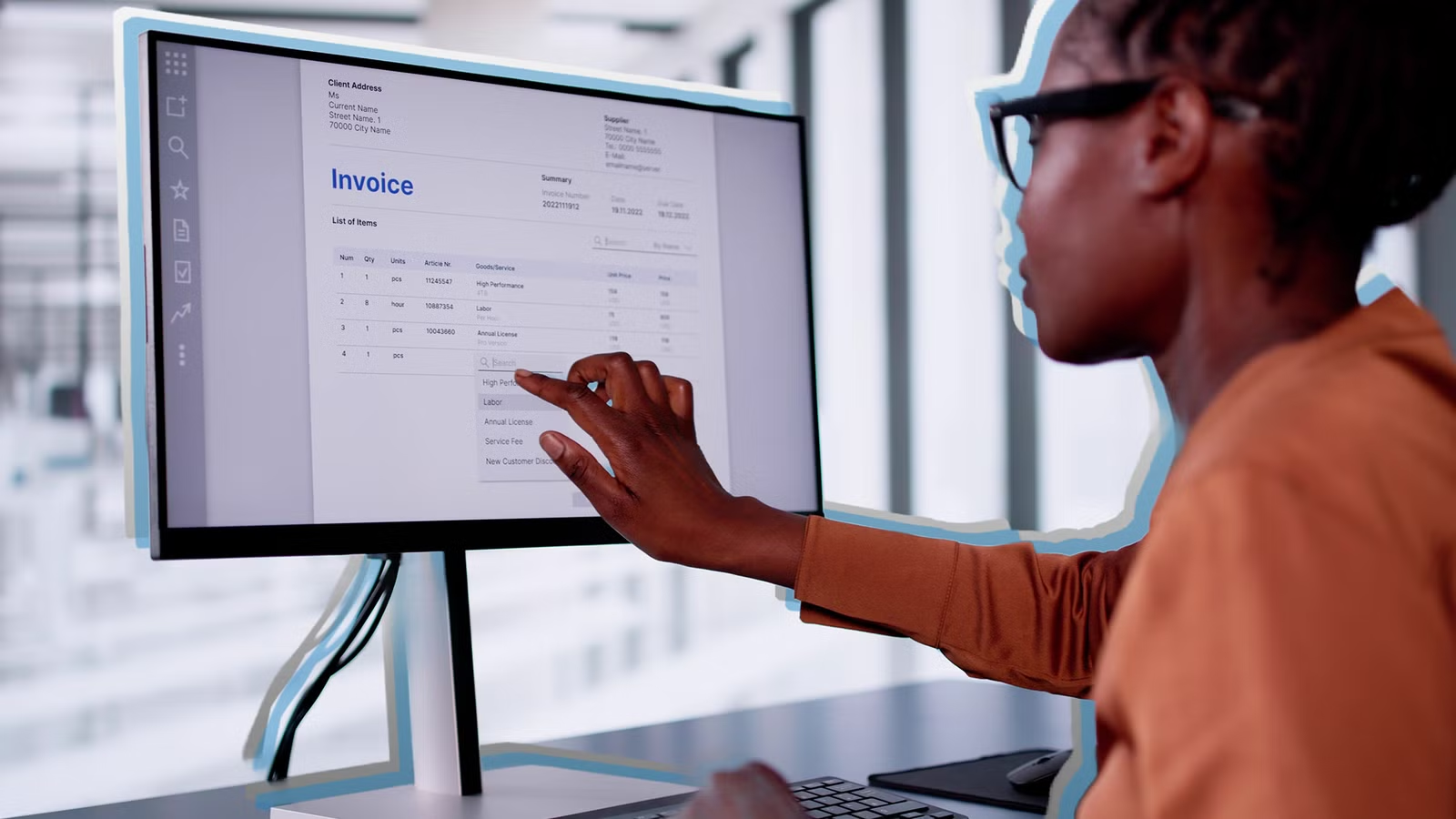
A professional invoice doesn’t just request money; it protects your legal right to payment and reinforces your brand’s credibility. If you are still handwriting invoices or using messy spreadsheets, it’s time to modernize.
1. The Professional “Must-Haves”
Before choosing a tool, you must ensure your invoice meets Florida’s professional standards. A missing detail can lead to payment delays or, worse, a rejected draw request.
-
Distinct Header: Clearly label the document as “INVOICE.”
-
Unique Tracking: Every invoice needs a unique number (e.g., INV-1001) for your records and the client’s accounting.
-
Detailed Scope of Work: Don’t just write “Remodel.” Break it down: “Drywall installation – Master Suite,” “Material – Grade A Pine,” etc.
-
Clear Payment Terms: Explicitly state “Due on Receipt” or “Net 30.”
-
Your License Number: In Florida, showing your DBPR license number on all documents builds massive trust.
2. Best Free Invoicing Tools (2026 Edition)
If you’re starting out or looking to cut overhead, these tools offer professional results at zero cost:
-
Zoho Invoice (The Gold Standard): * Why it works: Zoho recently made their full-featured invoicing platform 100% free for small businesses. It allows you to create professional templates, track expenses, and even set up a “Client Portal” where customers can pay you via credit card.
-
Wave Invoicing:
-
Why it works: Perfect for contractors who want a “set it and forget it” system. It’s entirely free to send unlimited invoices. They only make money if you choose to use their built-in credit card processing.
-
-
QuickBooks Free Generator:
-
Why it works: If you don’t need a full account yet, QuickBooks offers a web-based “Invoice Generator.” You fill in the fields, upload your logo, and download a crisp, professional PDF in seconds.
-
-
Canva for Construction:
-
Why it works: If you want a highly visual invoice that matches your company’s branding perfectly, Canva’s “Contractor Invoice” templates are aesthetically superior and very easy to customize.
-
3. When to Upgrade: Professional Paid Solutions
As your crew grows and your projects move from $5,000 to $50,000, free tools might start to slow you down. Professional paid software offers Project Costing—showing exactly how much profit you made on a specific job.
-
Jobber ($15–$50/mo): Specifically built for home services. It handles everything from the initial quote to the final invoice and includes a mobile app so you can bill the client before you even leave the job site.
-
FreshBooks: Known for its “Retainage” tracking—a must for larger Florida construction projects where a percentage of payment is held until the final walkthrough.
-
QuickBooks Online: The industry standard. If you plan to work with an accountant or apply for business loans in the future, having your invoices tied directly into QuickBooks is essential.
4. The Hidden Benefit: Protection and Leads
A professional invoice is your first line of defense. If a client refuses to pay, a well-documented, professional invoice is the primary evidence needed to file a Mechanic’s Lien in Florida.
Furthermore, every professional document you send is a marketing tool. A clean, digital invoice makes it easy for a happy client to forward your contact information to a friend.
Pro Tip: Always include a “Thank You” note and a link to your Google Business profile for a review at the bottom of your digital invoices.